A closer look
at your screen.
A guided screen check for iPhone. Look for pixel and color issues, trace where touch registers, and keep the results.
Get Foldlight on the App Store$1.99 US. No subscription.
For iPhone and iPhone Duo. Requires iOS 27.1.
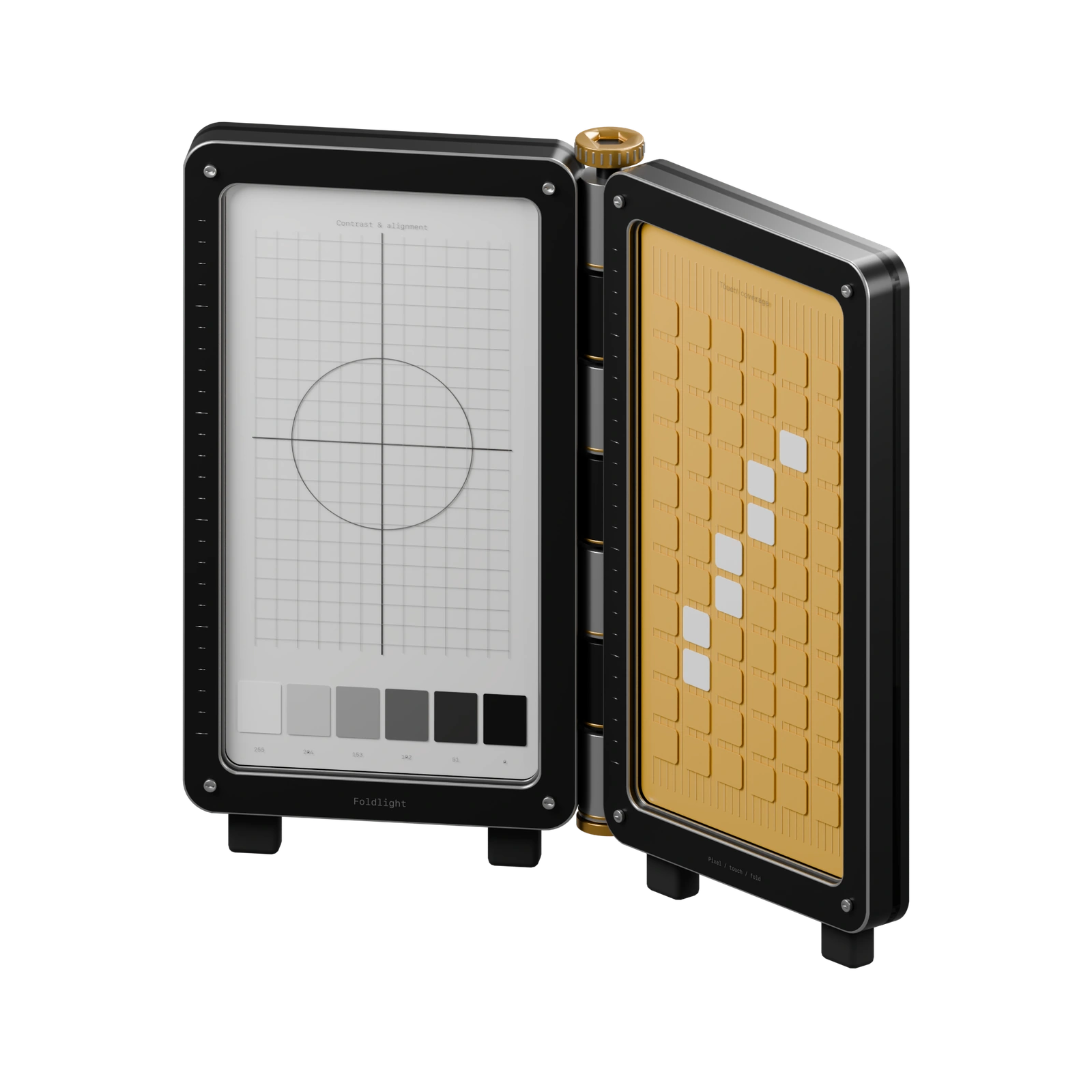
Start a scan. The patterns run automatically.
You inspect the fields, trace the grid and record what you see.
Check both Duo displays.
Check the cover and inner displays separately. On the wide Duo display, the tool list stays beside the selected pattern. Rotate, fold or open it as you go.
Need the whole screen? Hide every control for 15 seconds, then carry on where you left off.
Inspect both Duo displays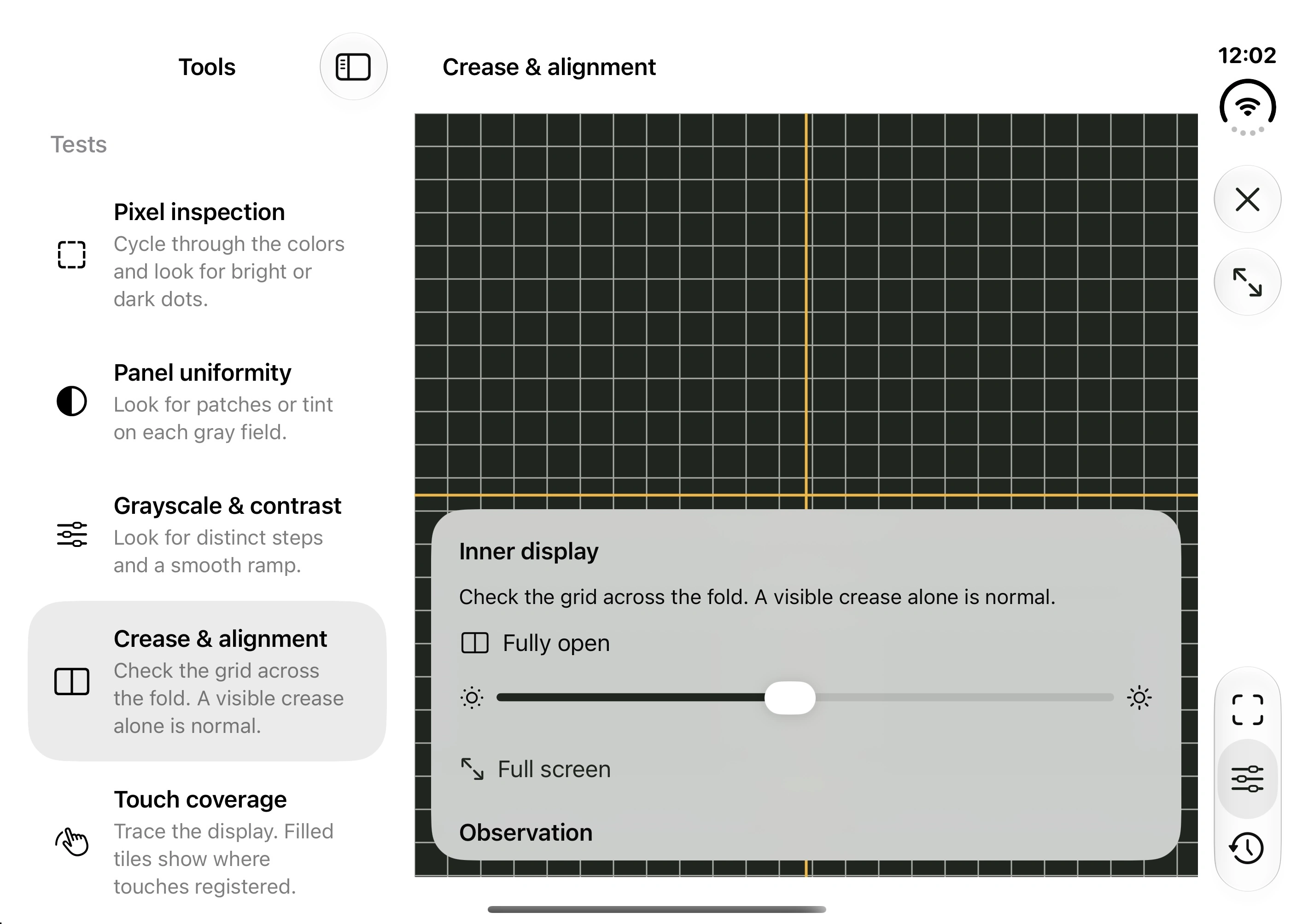
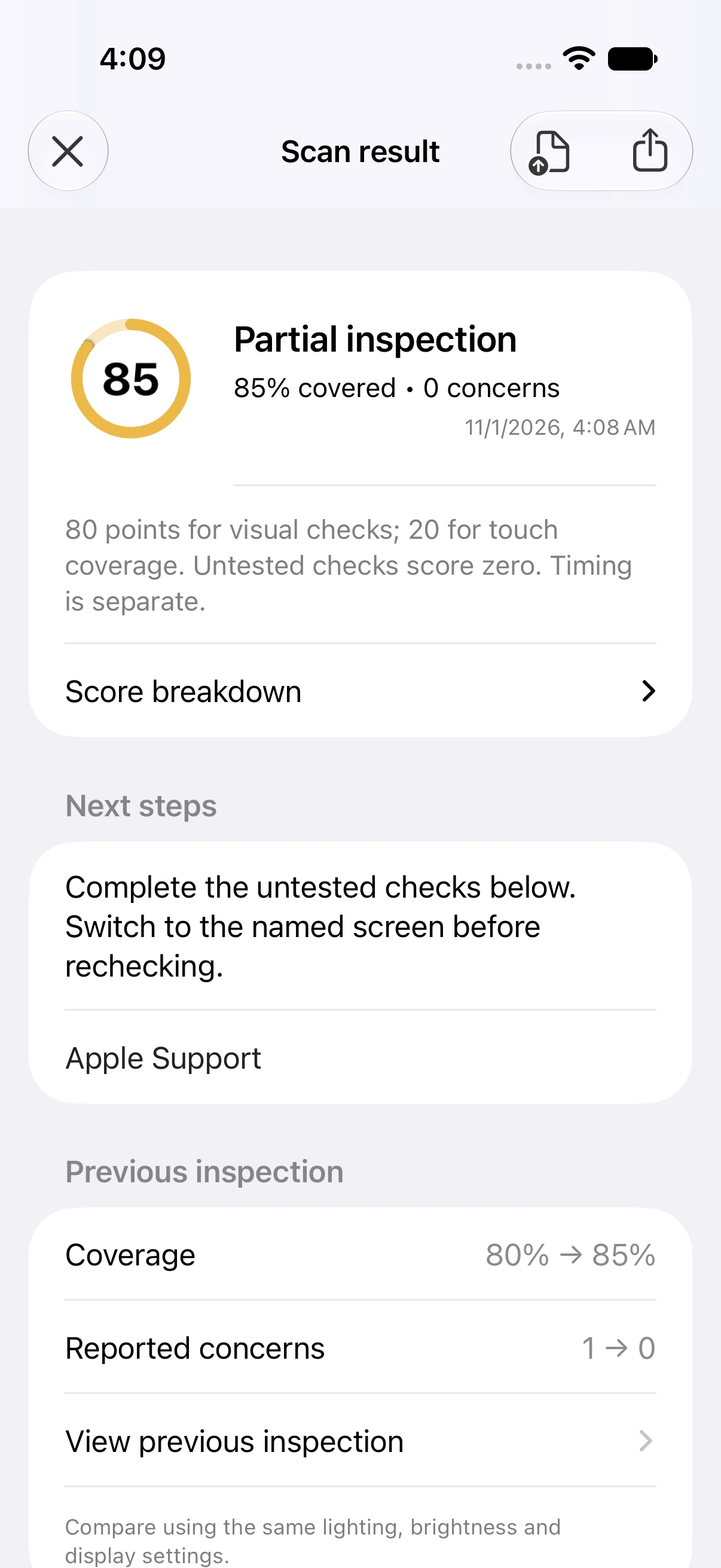
More detail in your next report.
Coming in 1.0.1: deeper score breakdowns, touch maps and individual frame intervals. You can already save inspections, compare earlier results, recheck a concern and share a readable report.
The next update also adds raw JSON exports with observations, tile indices, original timing samples and recorded conditions. Skipped checks and an unvisited Duo display earn no points; timing stays separate from the score.
Read about saved inspectionsSix ways to check your screen.
Follow the scan, or open any test yourself when something needs a second look.
- Pixel inspection
- White, black and pure color fields make bright or dark dots easier to spot.
- Panel uniformity
- Look for uneven patches or tint across gray fields.
- Grayscale & contrast
- Compare distinct steps and a continuous ramp.
- Crease & alignment
- Follow the grid across the fold, with live Duo hinge status.
- Touch coverage
- Trace the grid to see where input registers. A full-screen pass with a countdown and early finish control is coming in 1.0.1.
- Motion & timing
- Watch a moving target and inspect frame callbacks delivered to the app.
Before you check.
Does Foldlight find dead pixels automatically?
You inspect the patterns yourself and record what you see. Foldlight guides the inspection; it does not automatically detect defects, repair pixels or certify hardware health.
How should I compare two inspections?
Clean the screen, keep lighting and brightness consistent, and look straight at the display. True Tone, Night Shift and display settings can affect its appearance. Foldlight does not measure luminance or physical panel refresh rate.
Where are my results stored?
On your iPhone. There are no accounts, advertising or analytics. A report leaves the app only when you choose to share it. Read the privacy policy.